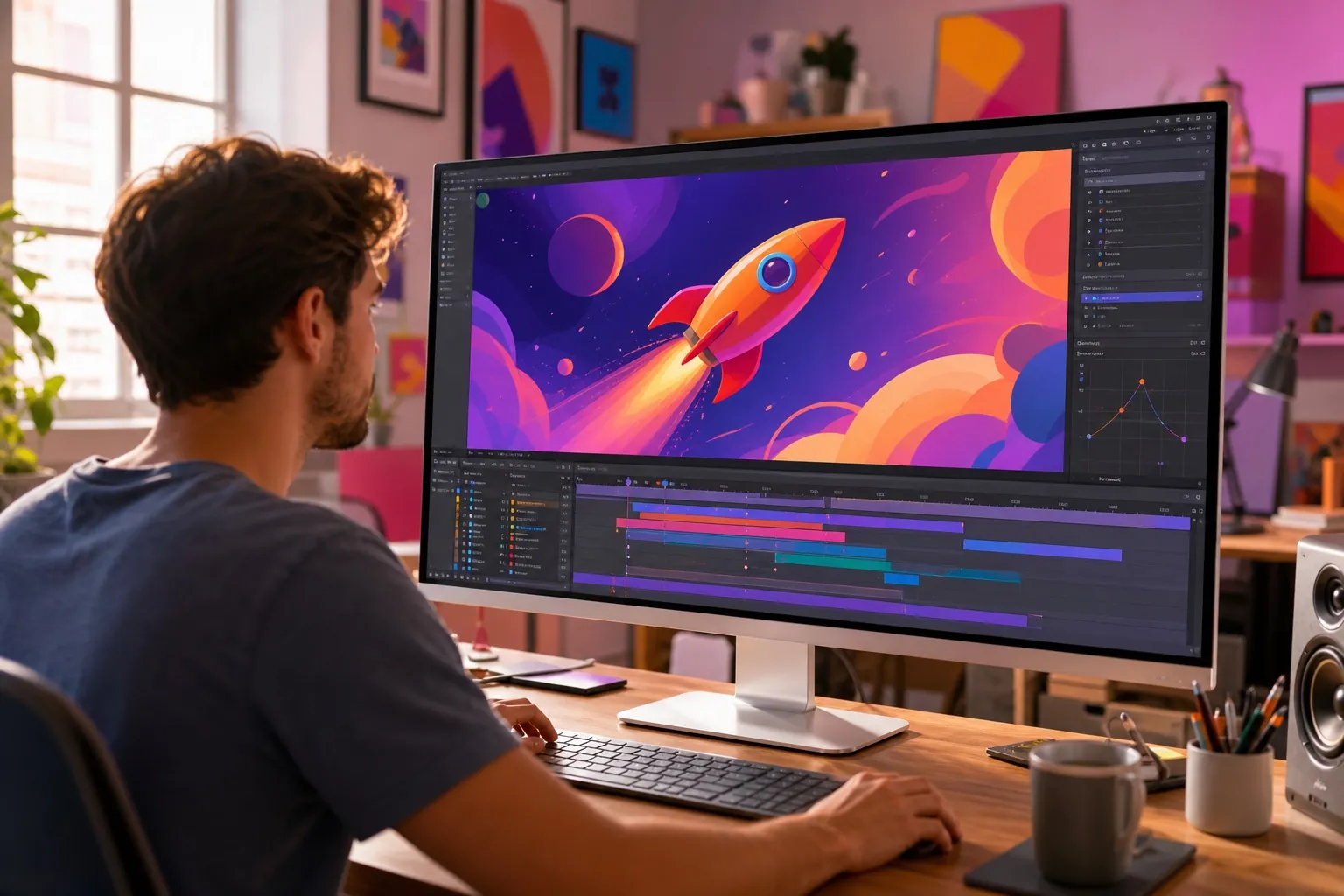

Design and code are usually separated by a handoff even when the team works closely. One person explores a behaviour on the canvas; another rebuilds it in the browser; both then compare the two versions and negotiate what was lost. Figma’s 2026 code layers and Motion announcements bring more of that behaviour into the shared file earlier.
This is not a promise that designers can skip engineering. It is a chance to critique more of the real experience before decisions harden. Responsive logic, interaction rules and motion timing can be discussed while the idea is still flexible, and technical constraints can shape the design before they become late-stage compromises.
Code becomes a design material
Figma describes code layers as interactive elements that can sit beside frames and components on the canvas. Teams can duplicate them to explore directions, convert between editable design layers and code-backed layers, and collaborate around the result in the same file.
This is well suited to ideas that lose meaning in static frames: a pricing calculator, adaptive navigation, physics-based motion, a rich data visualisation or an AI-assisted flow. The question moves from 'how will this look?' toward 'how will this behave when someone actually uses it?'
Motion becomes part of the system
Figma Motion introduces a timeline, keyframes and presets inside Figma Design. More interestingly, an animated component can carry its motion through a design system, and Dev Mode can expose timing values, easing curves and keyframes. Figma says teams can copy animation output as CSS, JSON or framework-ready React and pass animated frames to coding agents through MCP-compatible workflows.
That could improve one of the weakest parts of conventional handoff. Motion intent is often communicated with a prototype that cannot be inspected precisely, a video that shows the result but not the values, or a note such as 'ease out, around 300 milliseconds.' An inspectable timeline gives teams a shared specification.
When behaviour is visible and inspectable during design, teams can discuss the experience instead of debating interpretations of a handoff file.
Handoff becomes a loop
The design-to-code narrative often implies a one-way conversion. Real products move in both directions. An engineering decision changes a component; research changes the flow; a browser limitation changes the animation; a new component returns to the library. Figma’s code-to-canvas and canvas-to-code direction acknowledges that the artefacts must keep meeting.
The goal should not be perfect automatic translation. It should be less loss of intent. Shared tokens, reusable components and inspectable motion help, but ownership still matters. The design system needs a source of truth for each concern, and the team needs a clear way to resolve drift.
Where teams should be cautious
- A prototype can be interactive without being production-ready, accessible or maintainable.
- Imported packages add capability but also performance, security and licensing decisions.
- Generated motion still needs reduced-motion behaviour and device testing.
- A design canvas cannot replace monitoring, semantic HTML or integration tests.
- Code ownership must remain clear when several tools can modify the same experience.
A better collaboration model
A practical team might use code layers to test risky interaction ideas, Motion to define timing and system behaviour, and the production codebase for final semantics, performance and reliability. Engineers can join critique before a design is frozen; designers can verify the running result before the implementation is considered done.
This model rewards people who can move between materials. Design engineers can recognise what deserves a component, what should remain an experiment, and where a visual decision changes the technical architecture. Figma is not erasing the boundary between design and development. It is making that boundary a more productive place to work. See design and development working together